1.3 Confirm your motion controller connections
Check the connection
Check the connection status in the camera’s row on Maestro’s Home screen.
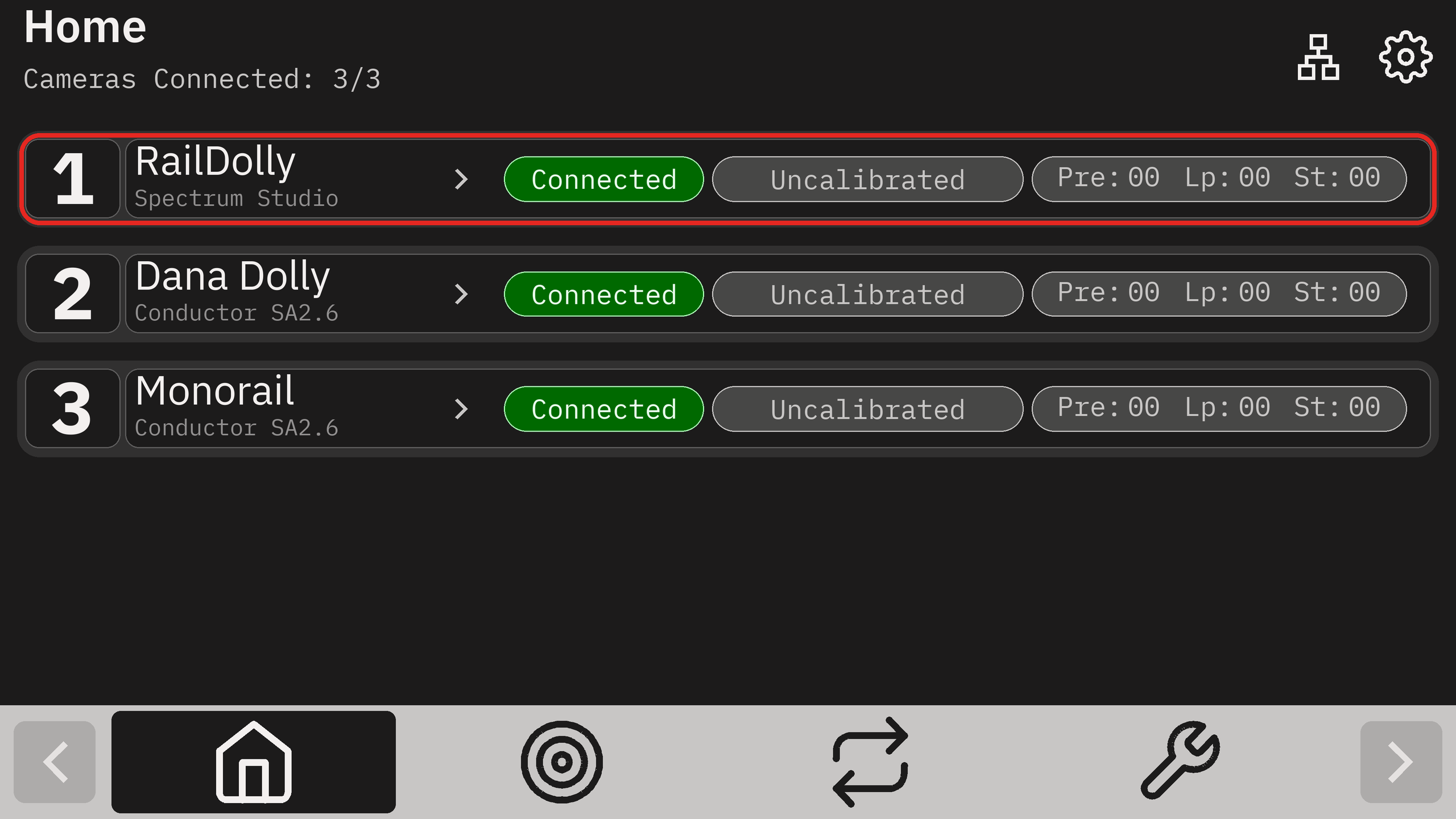
For a new setup, Connected and Uncalibrated are expected before calibration. Connected confirms communication with Maestro; Uncalibrated means the controller does not yet have a valid calibrated position reference. Complete the track setup, calibration, and Verify checks in section 2 before creating presets or loops.
Connection status dictionary
| Connection status | Meaning and next step |
|---|---|
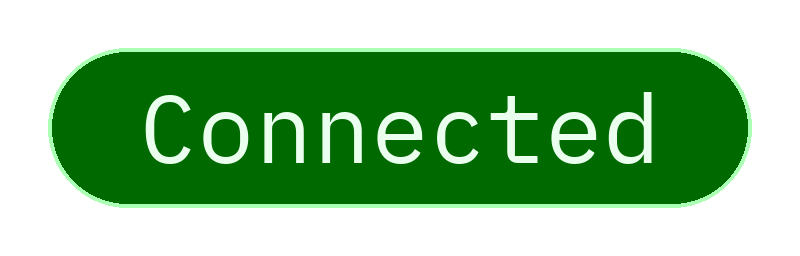 | The controller is connected to Maestro. Before using live control, check that the rig is secure, the travel path is clear, cables have enough slack and cannot snag, and physical stops are in place if using a track. Confirm you have live control using the joysticks. |
 | Maestro is searching for the controller. Wait for the connection to finish. This will time out after 1 minute. |
 | Controller asset loading failed. Tap the connection status to retry controller initialization. |
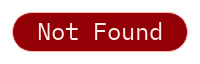 | Maestro is not connected to the motion controller. Check motion controller power, IP address, Maestro protocol selection, and firmware. Tap the connection status to search again. |
Complete your network information
Once you’ve completed network setup, fill in this worksheet so the eMotimo team can understand your network for future support.